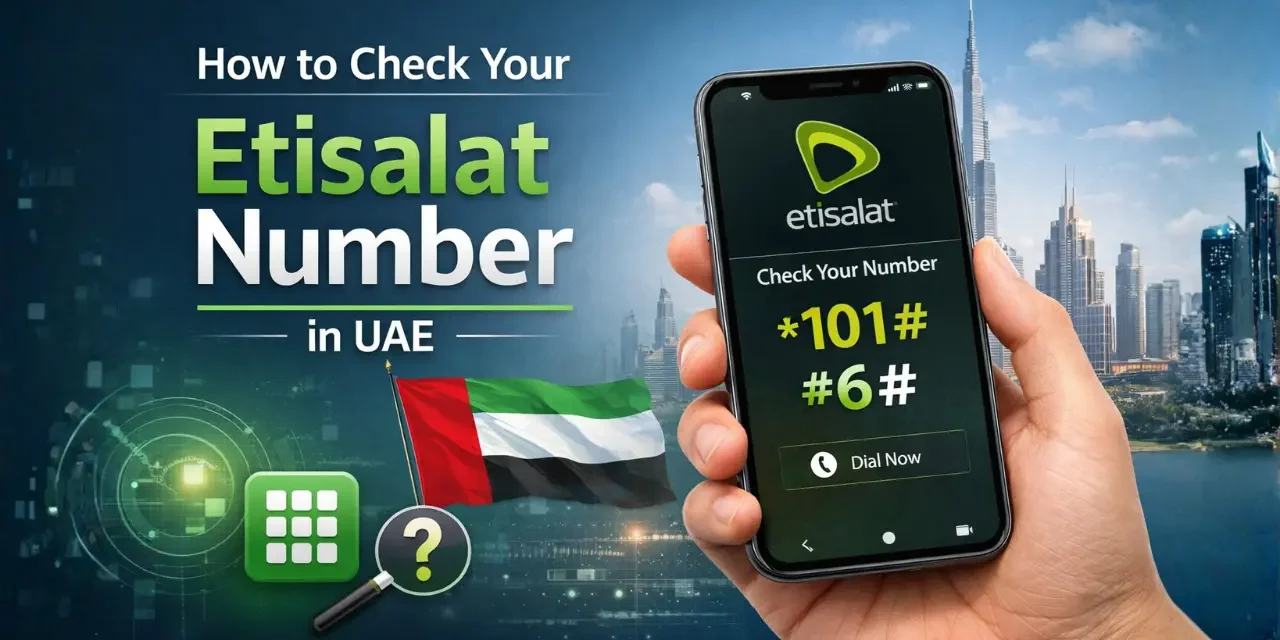

Forgot your Etisalat number? It happens more than you think — especially with a new SIM or tourist card. The fastest fix is to dial *101# from your Etisalat SIM and press call. Your number appears on screen within seconds, no balance or internet needed.
Table Of Content
- Etisalat Number Check — Quick Reference
- Method 1: Dial *101# — USSD Menu (Most Reliable)
- Method 2: Dial *101*1*3*3# — Direct Shortcut (Fastest)
- Method 3: Check Your Etisalat Number in the e& UAE App
- Method 4: Check the SIM Card Packaging
- Method 5: The Missed Call Trick
- Method 6: Contact Etisalat Customer Care (101)
- How to Identify an Etisalat Number
- Etisalat Number Check Not Working? (Troubleshooting)
- Related Guides on Urban Emirates
- Frequently Asked Questions
- What is the Etisalat number check code?
- Is checking your Etisalat number free?
- Can I check my Etisalat number without internet?
- Can I check my Etisalat number while roaming?
- How do I check Etisalat number for a postpaid SIM?
- What are the Etisalat number prefixes in UAE?
- Can I check my Etisalat number with zero balance?
- Final Summary
This guide covers all 5 methods to check your Etisalat number in UAE — including a direct shortcut code, the e& app, SIM packaging, the missed call trick, and customer care.
Etisalat Number Check — Quick Reference
| Method | Code / Action | Works For | Balance? | Internet? |
| USSD Menu | Dial *101# | Prepaid & Postpaid | Not needed | No |
| Direct USSD Shortcut | Dial *101*1*3*3# | Prepaid & Postpaid | Not needed | No |
| e& UAE App | Login → Dashboard | Prepaid & Postpaid | Not needed | Yes |
| SIM Packaging | Check original box | All users | Not needed | No |
| Missed Call Trick | Call someone’s phone | Prepaid & Postpaid | Yes — needs credit | No |
| Customer Care | Call 101 | All users | Not needed | No |
Method 1: Dial *101# — USSD Menu (Most Reliable)
This is the standard and most widely used method to check your Etisalat number in the UAE.
- Open your phone dial pad
- Dial *101# and press call
- A menu appears on screen — select Account Management or My Number
- Your Etisalat mobile number is displayed
*101# works even with zero balance and no internet. It is available 24/7 and takes under 10 seconds. Beyond your number, this menu also gives access to data plans, balance checks and special offers.
Method 2: Dial *101*1*3*3# — Direct Shortcut (Fastest)
This is the quickest route — it skips the menu entirely and displays your number directly on screen.
- Open your phone dial pad
- Dial *101*1*3*3# and press call
- Your Etisalat number appears immediately — no menu navigation required
This shortcut is the fastest way to retrieve your Etisalat number. Save it in your notes so you always have it ready.
Method 3: Check Your Etisalat Number in the e& UAE App
If you have the app installed, your number is always visible on the home dashboard.
- Download the e& UAE app from App Store or Google Play if not already installed
- Open the app and log in with your Etisalat number — or use UAE PASS
- Your registered mobile number is displayed prominently on the home screen
The app is also the best place to manage your plans, check your balance and view your full account details — all in one place.
Method 4: Check the SIM Card Packaging
Still have the original packaging from when you bought your SIM? Your number is printed right on it.
- Look for your number on the front or back of the SIM card box
- It is also printed on the SIM card holder tray itself
- The original purchase receipt from an Etisalat store also shows your registered number
This method is useful for new SIM cards — especially tourist SIMs purchased at the airport or an Etisalat store.
Pro Tip: Once you retrieve your number, save it immediately as a contact on your phone labelled “My Etisalat Number” — this prevents the same problem happening again.
Method 5: The Missed Call Trick
This is a quick workaround if you have credit and want to check your number without using USSD.
- Open your dial pad
- Call any friend or family member’s phone
- Your Etisalat number will appear on their screen as the incoming caller ID
- Ask them to read it back to you
Note this method requires sufficient credit to make a call. If you have zero balance, use *101# or *101*1*3*3# instead.
Method 6: Contact Etisalat Customer Care (101)
If none of the above methods work — for example your SIM is inactive or USSD is failing — contact Etisalat support directly.
- Dial 101 from your Etisalat SIM
- Follow the IVR menu instructions
- Select account enquiry or speak to a live agent
- Provide your Emirates ID or account details for verification
- The agent will confirm your registered mobile number
Customer care is available 24/7 in multiple languages. Calling 101 may have a small charge depending on your tariff — use other methods if you have zero balance.
How to Identify an Etisalat Number
Not sure if a UAE number is on Etisalat’s network? All Etisalat numbers in the UAE start with these prefixes:
| Prefix | Full Format | International Format |
| 050 | 050 XXX XXXX | +971 50 XXX XXXX |
| 054 | 054 XXX XXXX | +971 54 XXX XXXX |
| 056 | 056 XXX XXXX | +971 56 XXX XXXX |
DU numbers in the UAE typically start with 052, 055 or 058 for comparison.
Etisalat Number Check Not Working? (Troubleshooting)
USSD code not responding: Ensure you have a signal. Move to a better coverage area and try again.
SIM inactive or expired: If your SIM has not been used for 12 months it may be deactivated. Visit an Etisalat store with your Emirates ID.
Roaming issue: USSD codes may not function on all international networks. Use the e& UAE app on Wi-Fi instead.
Wrong SIM slot on dual SIM phone: Make sure you are dialling from the correct SIM slot on your device.
Tourist SIM: All methods above work on Etisalat tourist SIMs. *101# is the most reliable.
Related Guides on Urban Emirates
- How to Check Etisalat Balance in UAE (2026 Guide)
- Etisalat Prepaid Data Plans UAE — Complete 2026 Guide
- Etisalat Unlimited Data for 1 Day — Price, Code & Options
- How to Check DU Number in UAE (2026 Guide)
- Etisalat vs DU: Which SIM is Better in UAE?
Frequently Asked Questions
What is the Etisalat number check code?
Dial *101# to check your number via the menu. For a direct one-step shortcut, dial *101*1*3*3# and your number appears immediately.
Is checking your Etisalat number free?
Yes. Both *101# and *101*1*3*3# are completely free and work even with zero balance.
Can I check my Etisalat number without internet?
Yes. Both USSD codes work without internet. The e& app requires Wi-Fi or mobile data.
Can I check my Etisalat number while roaming?
USSD codes may not work on all international networks. Use the e& UAE app on Wi-Fi for a reliable check while abroad.
How do I check Etisalat number for a postpaid SIM?
Dial *101# — it works for both prepaid and postpaid. You can also check in the e& UAE app or contact customer care on 101.
What are the Etisalat number prefixes in UAE?
All Etisalat numbers begin with 050, 054, or 056. In international format that is +97150, +97154, or +97156.
Can I check my Etisalat number with zero balance?
Yes. Both *101# and *101*1*3*3# work with zero balance. Only the missed call method requires credit.
Final Summary
The fastest way to check your Etisalat number in UAE is by dialling *101*1*3*3# — it shows your number directly without navigating any menus, even with zero balance and no internet.
For a more complete account view, the e& UAE app displays your number on the home screen alongside your balance, active plans and usage details. Download it once and you will always have your number at a glance.
Once you have your number, save it as a contact on your phone. It takes 10 seconds and saves a lot of hassle later.